A Moment of Transition
For many users, Windows 10 has been more than just software; it has served as a vital tool, enabling productivity in both work and personal realms. From facilitating remote collaborations to keeping families connected during video calls, it has been there for many meaningful moments. But, as the saying goes, every good thing must come to an end.
The Announcement: Windows 10 is Retiring
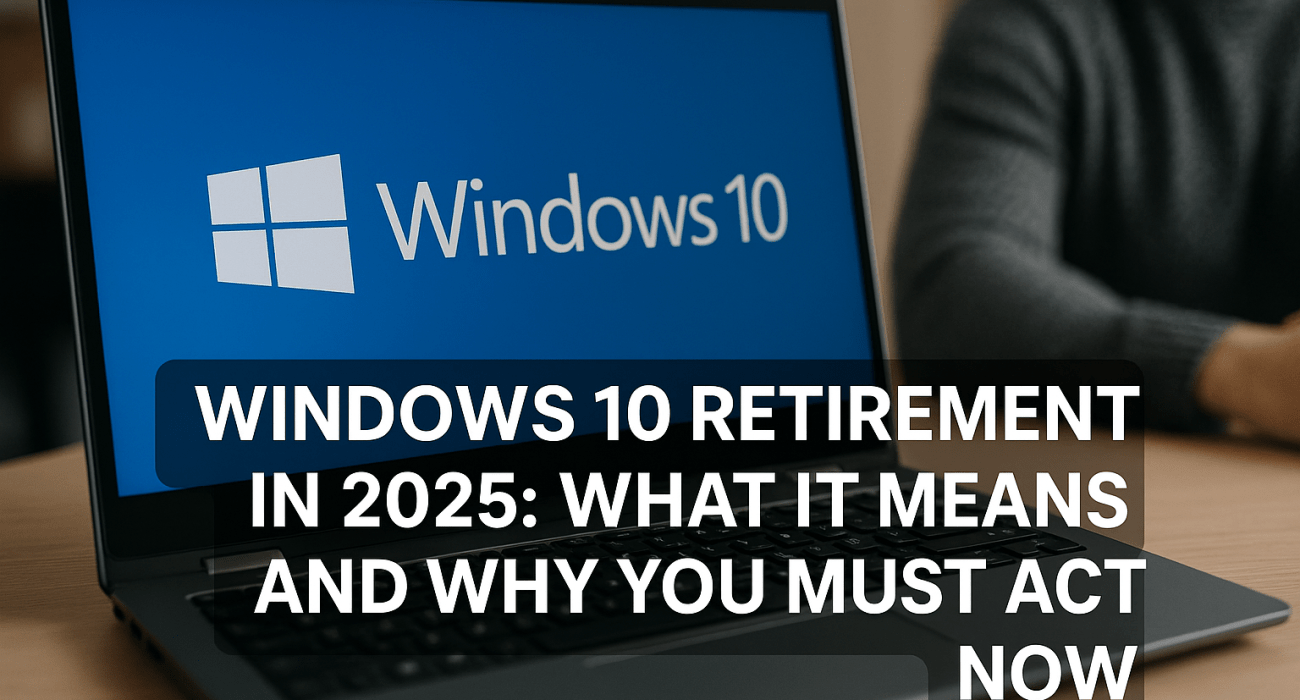
Microsoft has confirmed that support for Windows 10 will officially cease on October 14, 2025. After this date, users will no longer receive security updates, bug fixes, or technical support. While your device won’t become useless overnight, its vulnerability to cyber threats will grow, and compatibility with newer applications will decline.
The Importance of Change: A Cautionary Tale
Let’s reflect on the experience of Sarah, a small business owner who depended heavily on her Windows 10 desktop for managing projects, client communications, and finances. One day, while preparing a crucial presentation, her system crashed unexpectedly. In her panic, she called IT support, only to learn that a serious security flaw had been exploited because her outdated operating system had left her exposed. What began as a productive day quickly turned into a race against time to recover critical data and salvage her commitments.
This story illustrates a crucial lesson: neglecting upgrades can have severe consequences, putting your business operations and client relationships at risk.

Consequences of Inaction
Increased Security Risks: Unsupported operating systems become prime targets for cyberattacks and malware.
Compliance Challenges: Businesses may struggle to remain compliant with industry regulations that require up-to-date technology.
Lowered Productivity: Outdated software can lead to system crashes and hinder performance.
Rising Maintenance Costs: Keeping old systems operational typically demands more resources and increased costs.
A Path Forward: Embrace Windows 11
Transitioning to Windows 11 is a step toward a more secure, feature-rich, and future-ready system. Built with hybrid work in mind, Windows 11 delivers enhanced security, a sleek user interface, and better compatibility with the latest applications and hardware.
How We Can Support Your Transition
At No Limit Systems, we understand that moving from Windows 10 can feel overwhelming. We provide a streamlined upgrade experience with minimal disruption, including:
Compatibility Assessments: Reviewing your current setup to ensure a smooth transition.
Safe Data Migration: Backing up and transferring your information securely.
Ongoing Support: Offering training and assistance as your team adapts to Windows 11.
Don’t Wait: Act Now to Secure Your Future
Delaying your upgrade can lead to greater risks and increased expenses. Let us assist you in making a proactive transition to Windows 11. Schedule a complimentary consultation at www.nolimitsystems.com or email us at support@nolimitsystems.com.
Your digital future is too valuable to entrust to chance—make the upgrade today!