No Limit Systems
Moving to Microsoft 365 is easy. Getting it configured securely, migrated cleanly, and supported properly—that's where most businesses struggle. We handle all of it.
Buying licenses is easy. Configuring them securely, migrating data cleanly, and managing them properly? That's where it falls apart.
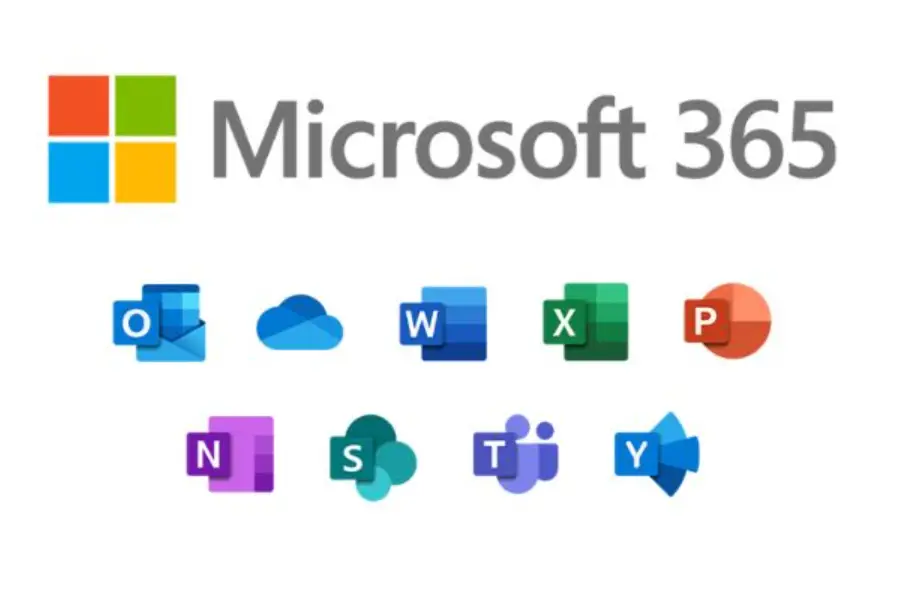
Microsoft 365 includes the apps your team already knows—plus cloud storage, collaboration tools, and security features.
Professional email on your domain with 50GB+ mailbox, calendar, and contacts synced everywhere.
Desktop, web, and mobile versions of Word, Excel, PowerPoint, and Outlook—always up to date.
Chat, video meetings, and collaboration in one app. Screen sharing, recording, and calendar integration.
1TB OneDrive per user. Access files anywhere, share securely, and recover previous versions.
Three options designed for small and mid-sized businesses. Pick what fits today—upgrade anytime.
Web and mobile apps with cloud storage and email.
Everything in Basic plus desktop apps and webinars.
Everything in Standard plus advanced security.
Need Copilot, E3, or enterprise plans? Tell us what you need—we license the full Microsoft portfolio.
Layer additional protection on top of your Microsoft 365 licenses for backup, archiving, and advanced threat defense.
AI-powered threat detection, impersonation defense, safe links, and outbound filtering. Stops phishing and malware before it reaches users.
~$4.50/user/mo
Independent backup of Exchange, OneDrive, SharePoint, and Teams. Unlimited retention with point-in-time restore for ransomware recovery.
~$4.50/user/mo
Tamper-resistant archive for compliance and e-discovery. Encrypted storage with fast search across historical email.
~$4.00/user/mo
Policy-based encryption for sensitive outbound email. Templates and rules for regulatory compliance (HIPAA, financial, legal).
~$3.50/user/mo
Zero-downtime migration with staged cutover, validation, and user onboarding. No lost email, no disruption.
Audit current email, confirm licensing, schedule cutover timing, and prepare accounts.
Export mailboxes, calendars, and contacts. Import to Microsoft 365 with pre-configured profiles.
Update DNS and mail routing. Execute cutover during low-traffic window. Capture straggler mail.
Verify delivery, test sign-in, confirm mobile access. Provide user quick-start guide.
We configure MFA, conditional access, and security baselines before you go live.
We match plans to your needs—no overspending on features you won't use.
We handle the complexity—staged cutover, validation, and user onboarding.
When something breaks, you call us—not a call center. We know your setup.
Select your plan and add-ons to see estimated monthly cost. Final pricing provided on written quote.
Estimates are for planning purposes. Final pricing provided on written quote.
Basic: Web/mobile apps, email, Teams, 1TB storage. Standard: Adds desktop Office apps and webinars. Premium: Adds advanced security (Defender, Intune, conditional access, DLP). Most businesses start with Standard; Premium for regulated industries or security-focused organizations.
Yes. We handle cross-platform migrations including email, calendars, contacts, and files. Users keep their data and get a clean start on Microsoft 365 with proper training.
Typical migrations take 1–2 weeks from kickoff to go-live. Larger environments or complex configurations may take longer. We schedule cutover during low-traffic windows to minimize disruption.
Business Premium includes Microsoft Defender, Intune, and conditional access. Third-party add-ons (backup, archiving) are still valuable for independent protection and compliance requirements. We'll recommend based on your specific needs.
Microsoft Copilot is available as an add-on ($30/user/month) on Business Standard and Premium. It adds AI assistance in Word, Excel, PowerPoint, Outlook, and Teams. We can license and configure it for your organization.
Yes. You can assign different license types to different users—Basic for light users, Standard for most, Premium for executives or security-sensitive roles. We help you optimize the mix to control costs.
Tell us about your team and requirements. We'll respond with a tailored recommendation and pricing.